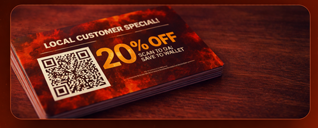
Scan the QR Code
Customers scan a QR code on mailers, menus, posters, or packaging using their phone camera.
 BuzzWorks
Let customers scan a QR code, save your offer to their phone wallet, and redeem it in-store — no apps, no friction.
Customers scan a QR code on mailers, menus, posters, or packaging using their phone camera.
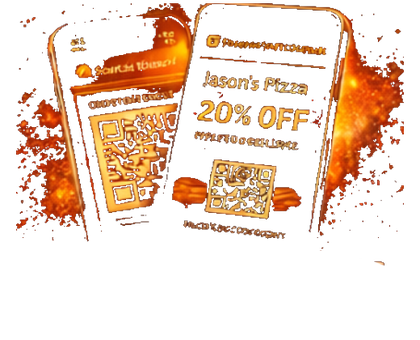
With one tap, the coupon is saved to Apple Wallet or Google Wallet — always accessible.
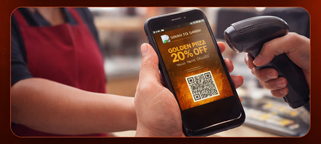
Customers present the wallet pass at checkout for fast, trackable redemption.
Tell us what you want to build. We’ll recommend the fastest path using QR, wallet passes, and BeeBots.